

TSA Hybrid Framework : Standard Operating procedure for Limit Allocation by CNA/Funding Agency/Implementing Agency in PFMS – CGA Om dated 30.09.2026
File No: 1-104001/2/2022-ITD-CGA-Part(1)/E-16482/108
GOVERNMENT OF INDIA
MINISTRY OF FINANCE
DEPARTMENT OF EXPENDITURE
CONTROLLER GENERAL OF ACCOUNTS
GIFMIS, PFMS DIVISION
Mahalekha Niyantrak Bhawan
INA Colony, New Delhi
Date: 30-09-2026
OFFICE MEMORANDUM
Subject: Standard Operating Procedure for Limit Allocation functionality in PFMS – TSA Hybrid framework – regarding
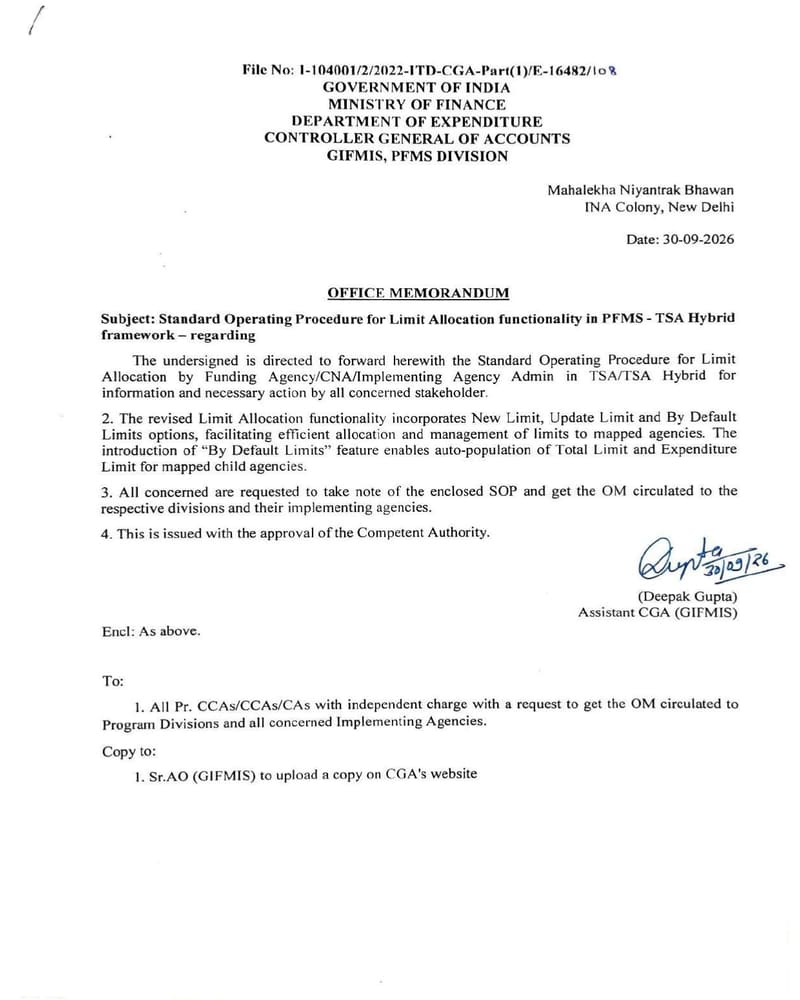
The undersigned is directed to forward herewith the Standard Operating Procedure for Limit Allocation by Funding Agency/CNA/Implementing Agency Admin in TSA/TSA Hybrid for information and necessary action by all concerned stakeholder.
2. The revised Limit Allocation functionality incorporates New Limit, Update Limit and By Default Limits options, facilitating efficient allocation and management of limits to mapped agencies. The introduction of “By Default Limits” feature enables auto-population of Total Limit and Expenditure Limit for mapped child agencies.
3. All concerned are requested to take note of the enclosed SOP and get the OM circulated to the respective divisions and their implementing agencies.
4. This is issued with the approval of the Competent Authority.
(Deepak Gupta)
Assistant CGA (GIFMIS)
Encl: As above.
Standard Operating procedure for Limit Allocation by CNA/Funding Agency/Implementing Agency in PFMS – TSA Hybrid Framework
Introduction
PFMS – TSA Hybrid framework is implemented for disbursement of funds under Central Sector Schemes for more effective cash management and with an aim of achieving the goal of “Just-in-time” fund flow from the Central Ministries/Departments/Central Nodal Agencies to Autonomous Bodies/Sub-Agencies and down the line implementing agencies through an integrated network of PFMS, RBI and Scheduled Commercial Banks.
Limit Allocation by Funding Agency admin:
- In Limit Allocation Functionality, PFMS has introduced enhancement, Limits – New Limit / Update Limit and By Default Limits, for user ease and better efficiency of the functionality.
- The Agency Admin user will select New Limit when they wish to allocate fresh limits to the agencies mapped with them. Once the limits are assigned to any Agency, this Agency will disappear from the list. Only the agencies to whom limits have not yet been allocated will remain visible.
- Similarly, the user will select Update Limit when they wish to update (add/withdraw/delete) the already allocated limits.
- Entering a value in Default Limits and clicking Search, it will auto-populate the same value in Total Limit and Expenditure Limit for all mapped child agencies.
Limit Allocation For:
1. Limit Allocation for Self (in case the Funding Agency is also acting as Recipient Agency)
- The CNA will register the RBI Account to act as the Funding Agency and flag the Savings Bank Account in a Scheduled Commercial Bank as TSA Hybrid to act as the Recipient Agency.
- Thereafter, it can assign a drawing limit to itself from RBI Account to TSA Hybrid and further allocate limits from TSA Hybrid Account to its child agencies for raising claims. For limit allocation to self, the Agency Admin user must select the RBI Account as the bank account for limit allocation.
Click here to continue reading
COMMENTS