

Salary bill processing in Physical mode via ECS by PD DDO-PAO in PFMS due to technical issues in EIS Module of PFMS: C.G.A. O.M. dated 28.10.2026
F. No. TA-2-03001(03)/1/2021-TA-II (E-5450)/458
Ministry of Finance
Department of Expenditure
Controller General of Accounts
Mahalekha Niyantrak Bhawan, E Block, GPO Complex
INA, New Delhi-110023
Date: 28.10.2026
OFFICE MEMORANDUM
Subject: Process to be followed for processing the salary bill in Physical mode via ECS by PD DDO-PAO in PFMS-reg.
Due to some technical issues being encountered in EIS module of PFMS there might be issues in preparation of bills through EIS module viz. Salary and arrear claims for the Month of October, 2026.
2. Accordingly, in order to ensure that the Salary and arrears bills, if any, for the Month of October, 2026 are processed on timely basis it has been decided that DDOs whose Salary bills for the Month of October 2026 are not passed for payments to banks by the Pay and Accounts Office shall process the Salary bills through an alternative mechanism (attached as Annexure A).
3. The Ministries/Department processing bills through EIS module are requested to prepare the Salary bills for the Month of October 2026, and arrear bills, if any, in manual mode. For disbursement of Salary for the Month of October, 2026, the entries in PBR for the month of September 2026 may be referred. The bills shall be processed for payment through ECS in the sanction module of PFMS and the cheque (for net payable amount) shall be delivered to the Bank along with the list of the beneficiaries to whom payment of Salary is to be made. The list of beneficiaries shall contain the beneficiary’s name, account number, IFSC code, and Net amount to be paid to each beneficiary.
4. The adjustment, if any, will be made without exception from the salary of the month of November, 2026.
5. For queries relating to the above instructions, GIFMIS Division, O/o CGA may be contacted. The details of the contact person are as below:
Sh. Anil kumar Mahendru (Sr. AO, GIFMIS) – 011-24665411
Smt. Surekha Kumari (Sr. AO, GIFMIS)- 011-24665410
6. All the Pr. CCAs/CCAs/CAs (i/c) of the concerned Ministries/Departments are requested to bring these instructions to the respective authorities for necessary action immediately.
This issues with the approval of Competent Authority.
(P. Sengottuvelu)
Sr. Accounts Officer (TA-I)
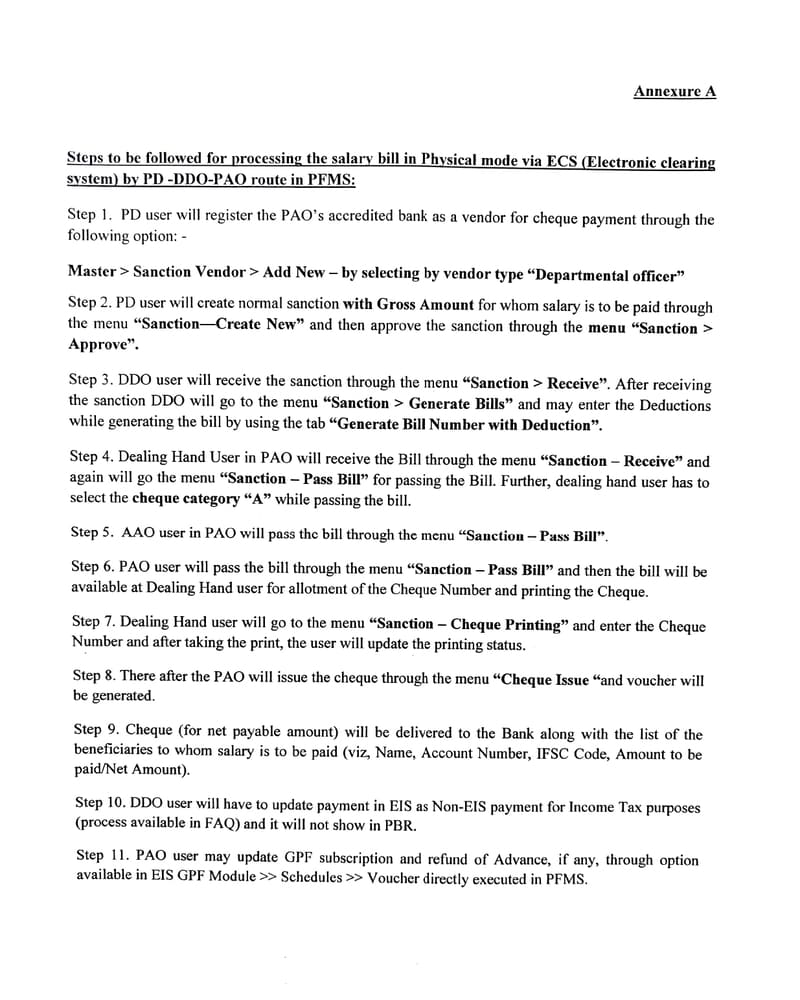
Annexure A
Steps to be followed for processing the salary bill in Physical mode via ECS (Electronic clearing system) by PD -DDO-PAO route in PFMS:
Step 1. PD user will register the PAO’s accredited bank as a vendor for cheque payment through the following option: –
Master > Sanction Vendor > Add New — by selecting by vendor type “Departmental officer”
Step 2. PD user will create normal sanction with Gross Amount for whom salary is to be paid through the menu “Sanction—Create New” and then approve the sanction through the menu “Sanction > Approve”.
Step 3. DDO user will receive the sanction through the menu “Sanction > Receive”. After receiving the sanction DDO will go to the menu “Sanction > Generate Bills” and may enter the Deductions while generating the bill by using the tab “Generate Bill Number with Deduction”.
Step 4. Dealing Hand User in PAO will receive the Bill through the menu “Sanction — Receive” and again will go the menu “Sanction — Pass Bill” for passing the Bill. Further, dealing hand user has to select the cheque category “A” while passing the bill.
Step 5. AAO user in PAO will pass the bill through the menu “Sanction — Pass Bill”.
Step 6. PAO user will pass the bill through the menu “Sanction — Pass Bill” and then the bill will be available at Dealing Hand user for allotment of the Cheque Number and printing the Cheque.
Step 7. Dealing Hand user will go to the menu “Sanction — Cheque Printing” and enter the Cheque Number and after taking the print, the user will update the printing status.
Step 8. There after the PAO will issue the cheque through the menu “Cheque Issue” and voucher will be generated.
Step 9. Cheque (for net payable amount) will be delivered to the Bank along with the list of the beneficiaries to whom salary is to be paid (viz, Name, Account Number, IFSC Code, Amount to be paid/Net Amount).
Step 10. DDO user will have to update payment in EIS as Non-EIS payment for Income Tax purposes (process available in FAQ) and it will not show in PBR.
Step 11. PAO user may update GPF subscription and refund of Advance, if any, through option available in EIS GPF Module >> Schedules >> Voucher directly executed in PFMS.
******
Click here to view/download PDF
COMMENTS